iCloud Private Relay Is Leaking Real IP Addresses — and It Shows Why a Proxy Isn't a VPN
Security researchers have shown that Apple's iCloud Private Relay can expose your real IP address through passkey requests, DNS prefetching, and WebTransport — silently, with no prompt. Apple is working on a fix for fall 2026. Here's what leaked, why it happened, and what it says about browser-level privacy tools.
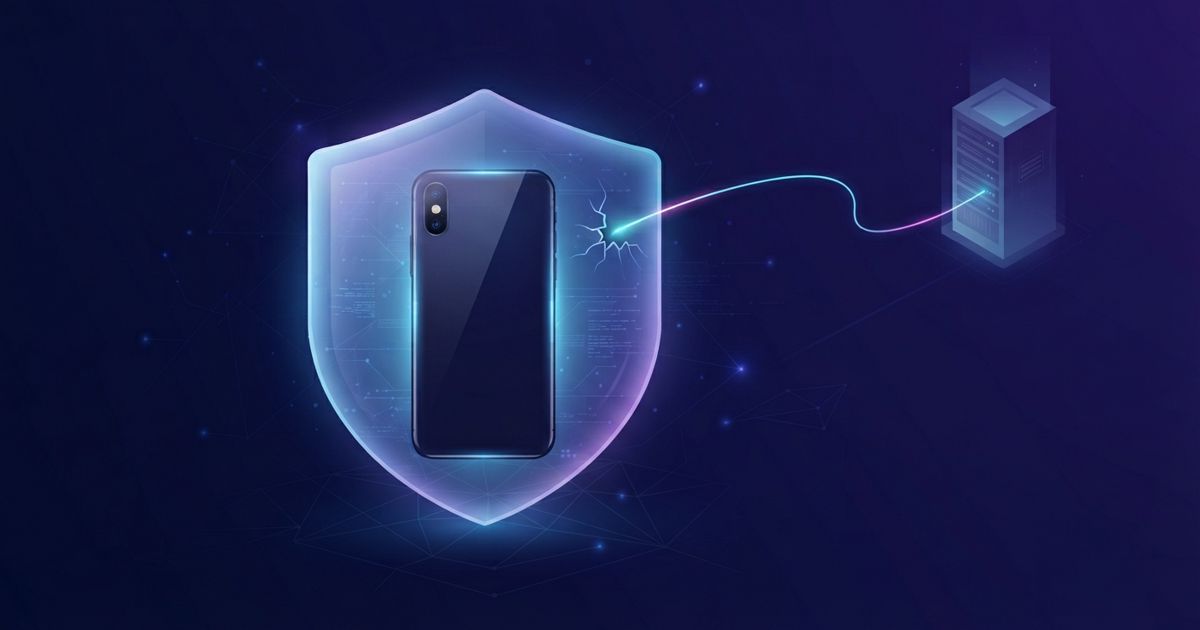
Table of contents
Apple markets iCloud Private Relay as an IP-masking privacy feature for iCloud+ subscribers: your Safari traffic goes through two relays, websites see a regional IP instead of your own, and your ISP can't see which sites you visit. On August 4, security researchers published findings showing that under specific — and surprisingly common — circumstances, Private Relay hands your real IP address to the very websites it's supposed to hide it from.
Apple has confirmed it is investigating, with a fix planned for fall 2026. Until then, it's worth understanding exactly how the leaks work, because they say a lot about the difference between a browser proxy and a real VPN.
The passkey leak: one silent request outside the tunnel
The most serious issue involves passkeys, the password-replacement standard Apple has been pushing hard across iOS and macOS.
When a website triggers a passkey authentication request, your device makes a separate network request that doesn't go through Safari's proxy route. That request bypasses Private Relay entirely — so the destination server sees your device's real IP address.
Two details make this worse than a theoretical edge case:
- A malicious site can trigger it silently. No visible prompt appears. You don't have to own a passkey for the site or approve anything — the request fires, and your real IP goes with it.
- It's invisible to the user. Safari still shows you're browsing normally; there's no indication that anything left the protected path.
In other words, any website that wants to de-anonymize a Private Relay user can embed a passkey trigger and collect real IP addresses from visitors who believe they're masked.
Two more leaks: DNS prefetching and WebTransport
The researchers found two additional exposure paths, both introduced by recent iOS features:
- DNS prefetching, added in iOS 26, reveals a user's real DNS servers — which typically identify your ISP and approximate location, undermining the "your ISP can't see what you do" promise.
- WebTransport, a modern networking API added in iOS 26.4, can also reveal the device's real IP address, because its connections don't ride Safari's relay path either.
The pattern across all three leaks is identical: Private Relay protects one specific pipe — Safari's page traffic — and every new networking feature that opens a different pipe leaks around it.
Why this keeps happening: Private Relay is not a VPN
None of this means Apple's engineers were careless. It means the architecture has a built-in limit. Private Relay is a browser-level proxy: it routes Safari's HTTP traffic and some DNS lookups, and nothing else. Mail, apps, system services, and — as it turns out — authentication requests and new web APIs all travel outside it.
A full-device VPN works at the network level instead. Every packet leaving the device goes through the encrypted tunnel, regardless of which app, browser, or background process generated it. A passkey request can't sidestep the tunnel, because there is no path around it — the tunnel is the device's network connection.
That's the practical takeaway from this research: if your threat model is "websites shouldn't see my real IP address," a partial proxy can't deliver it, even when it's built by Apple. Only full-device coverage can.
What to do if you rely on Private Relay
- Treat Private Relay as ISP-privacy, not anonymity. It still hides your browsing from your ISP in normal use — but a website that actively wants your real IP can currently get it.
- Watch for Apple's fix. Apple says a patch is coming in fall 2026; install iOS/macOS updates promptly when it lands.
- Use a full-device VPN when IP masking actually matters. Proton VPN covers all traffic at the network level — Safari, third-party apps, and system requests alike — so authentication flows and new web APIs can't route around it. Its NetShield feature adds DNS-level ad and tracker blocking on top, closing the DNS-exposure angle as well. There's a genuinely free tier with no data cap if you want to test the difference.
- If you use passkeys, keep using them. The leak is about network routing, not passkey security itself — passkeys remain far safer than passwords. The fix belongs on Apple's side, and it's coming.
The bigger picture
Private Relay's leaks join a familiar list: browser privacy modes, DNS-over-HTTPS, and tracker blockers all protect a slice of your traffic while the rest travels exposed. Each is useful. None of them is a VPN, no matter how the marketing reads. When a single silent request can undo the mask, the only architecture that holds is the one where every request goes through the same protected path.