Guides
A VPN is only as useful as your understanding of it. Our guides explain how VPNs work and how to get the most from yours: choosing the right protocol, setting up apps on every device, fixing streaming or speed problems, and understanding what a VPN can — and can't — protect.
We keep the guides practical and jargon-light, with clear steps and honest caveats. Topics range from beginner basics (what a VPN does, how to pick one) to specific how-tos (unblocking streaming libraries, using a VPN on a router or smart TV, staying safe on public Wi-Fi, and what "no-logs" really means).
Whether you've just installed your first VPN or want to fine-tune an advanced setup, these guides will help. Below you'll find our VPN how-tos and explainers.

The Threat-Model Worksheet: Decide Whether a VPN Is the Right Tool for Your Actual Privacy Need
A VPN is the right tool for some privacy problems and useless for others. This worksheet-style guide walks you through defining your threat model — what you are protecting, from whom, and how — so you can decide whether a VPN actually fits your need.

VPN Use on Smart TVs and Game Consoles: Options, Limits, and Account-Security Basics
Smart TVs and game consoles are among the hardest devices to put a VPN on — most have no VPN app at all. This guide covers the realistic options, the technical limits, and the account-security basics that matter most on shared living-room hardware.

Password Managers, Passkeys, and VPNs: How These Tools Complement Rather Than Replace Each Other
A VPN, a password manager, and passkeys solve three different problems — and none of them substitutes for the others. This guide maps what each tool actually protects, why the layers work together, and how to combine them without gaps or false confidence.

VPN Performance Testing Explained: Latency, Download, Upload, Server Distance, and Repeatable Methodology
Speed claims are easy to make and hard to trust. This guide shows you how to test a VPN's real-world performance the way a reviewer would: measuring latency, download, and upload, accounting for server distance, and building a repeatable method you can rerun on any provider.

Premier League, Bundesliga, Serie A: Where to Watch the 2026/27 Season Kick-Offs (Free Options Included)
Europe's three biggest football leagues all return within a single week this August. Here's when each season starts, who broadcasts it where, which matches you can watch free on BBC iPlayer and Sat.1/RTL — and how travellers can keep their home coverage abroad.
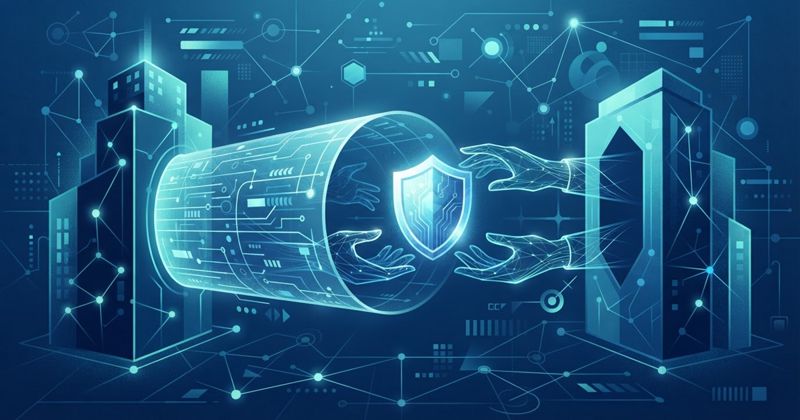
What Happens to Your Privacy When a VPN Company Is Acquired or Changes Ownership
A VPN is a trust relationship, and trust travels with ownership. When a provider is sold or merged, the logging policy, jurisdiction, and audits can all shift. Here's what can change, what usually doesn't, and how to respond.
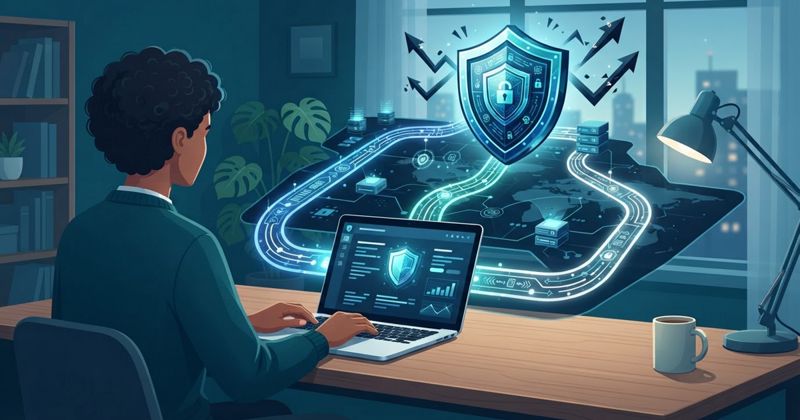
VPNs for Remote Work: The Difference Between Consumer VPNs, Company VPNs, and Zero-Trust Access
"Use a VPN for remote work" hides three very different tools. A consumer VPN protects you; a company VPN connects you to the office; zero-trust verifies every request. Here's how to tell them apart and use each right.

Multi-Hop VPNs: What Extra Routing Can Do and When It Adds Little Value
Multi-hop routes your traffic through two servers instead of one. It's a genuine defence for high-risk users — and mostly ceremony for everyone else. Here's what the extra routing buys and what it costs.

How to Read a VPN Privacy Policy for Logging, Jurisdictions, and Data-Retention Language
"No logs" is a slogan; the privacy policy is where you learn what it really means. Here's how to read one — the three questions that matter, the soft phrases to watch for, and a ten-minute reading routine.
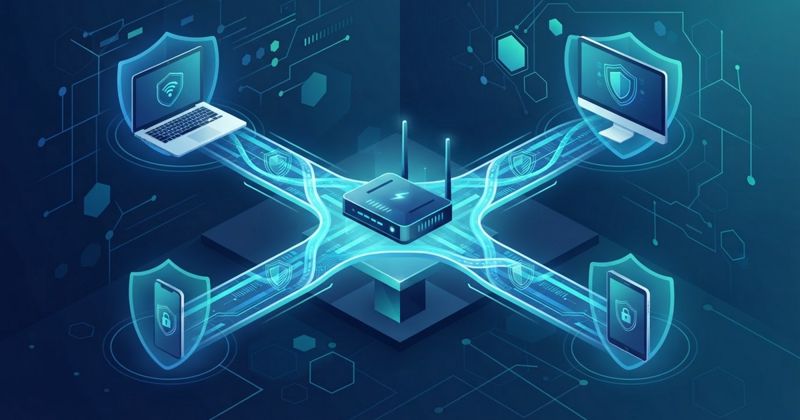
VPN Router Setups: Who Benefits, What Can Break, and Why They're Not a Beginner Default
A router VPN protects your whole home from one place — but it also causes the most support headaches of any setup. Here's who genuinely benefits, what tends to break, and why apps should come first.
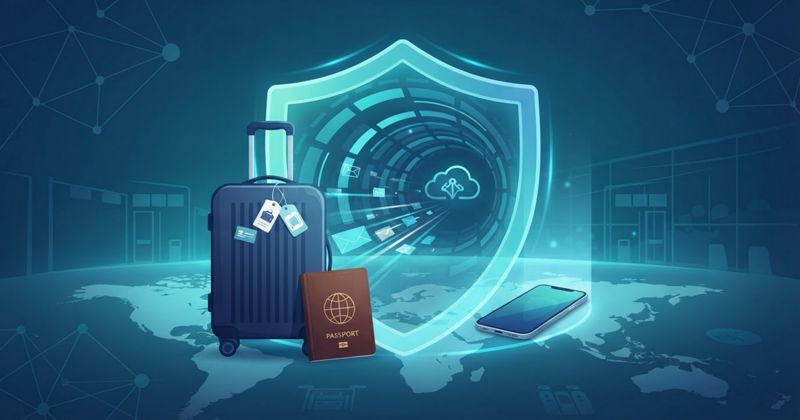
Travel VPN checklist: local laws, captive portals, device updates, and backup access methods
The difference between a travel VPN that works and one that frustrates you is preparation. This checklist covers local VPN laws, updating devices, the captive-portal trap on hotel Wi-Fi, and backup access methods for when a network turns hostile.

Late August 2026 sport: the Vuelta, the US Open and the free channels showing them
The last stretch of August 2026 brings the Vuelta a España and the US Open, and a lot of it airs on free-to-air broadcasters — just not in your country. Here is the calendar, which channels carry what, and an honest look at where a VPN helps and where it does not.
VPN browser extensions versus full-device apps: scope, privacy, and practical use cases
A browser extension and a full-device VPN app share a name but protect very different things. We explain the scope gap, the privacy leaks outside the browser, the features only a full app has, and when each is the right tool.
How to choose a VPN for public Wi-Fi without assuming it makes you anonymous everywhere
A VPN is genuinely useful on airport, hotel and cafe Wi-Fi, but it does not make you anonymous. We explain what the public-Wi-Fi risk really is, the features that actually matter when choosing a VPN for it, and the expectations to keep realistic.

Split tunneling: useful everyday scenarios, security trade-offs, and setup questions
Split tunnelling lets you send some apps through the VPN and the rest over your normal connection. We cover the everyday scenarios where that genuinely helps, the security cost of every app you route outside the tunnel, and the setup questions to answer before turning it on.

How Your ISP Tracks You — and What a VPN Actually Fixes
Your ISP sits between you and the whole internet, giving it a view no app has - and HTTPS doesn't hide the metadata (which sites, when, how much). What your ISP can actually see, the new Wi-Fi-sensing router angle, and where a VPN genuinely helps (and honestly where it doesn't).
VPN kill switches explained: what they protect, how to test one safely, and common limitations
A kill switch blocks your internet the moment the VPN tunnel drops, so your real IP and traffic never leak by accident. We explain exactly what it protects, how to test one without exposing yourself, and the reboot, sleep and app-level gaps that catch people out.
Hide My Email, VPNs and Private Browsing: How Privacy Tools Fit Together
Apple is making Hide My Email aliases easier to spot and block. It is a useful hook into a bigger question: how email masking, private browsing, and VPNs each protect a different privacy layer.

Can a VPN Protect You From Password Leaks? The Honest Answer
A VPN encrypts your traffic and hides your IP, but it does not fix stolen passwords or remove infostealer malware. Here is exactly what a VPN covers when credentials leak.

VPN Myths: 12 Things a VPN Cannot Protect You From
Believing a VPN makes you invincible is its own risk. Here are twelve things a VPN cannot protect you from, malware, phishing, weak passwords, tracking, scams, and more, and what actually does the job instead.

How to Access Grok 4.5 Securely With a VPN (EU & Travelers)
SpaceXAI's Grok 4.5 has launched — an Opus-class model for coding, agents and knowledge work — but it isn't available in the EU yet. Here's how to keep secure access to Grok 4.5 while travelling, what to look for in a VPN, and why NordVPN fits.

Trackers Aren't Just in Your Browser — They're in Your Inbox and Apps Too
Apple's Safari ad put trackers in the spotlight, but the browser is only one layer. Trackers also live in your apps and your inbox. Here's the full tracking picture — and how Proton VPN's NetShield and Proton Mail's pixel blocking close the gaps.

FIFA World Cup 2026 Quarter-Finals: Fixtures, Free Broadcasters and How to Stream From Anywhere
The World Cup 2026 reaches the last eight from July 9 to July 12, with France-Morocco, Spain-Belgium, Norway-England and Argentina-Switzerland deciding the semi-final places. Many of these games are free-to-air on public broadcasters like ITV, BBC, RTVE and SBS -- but only if you are in the right country. Here is the full quarter-final line-up, where to watch each match for free, and how a VPN lets you reach your home stream while travelling.
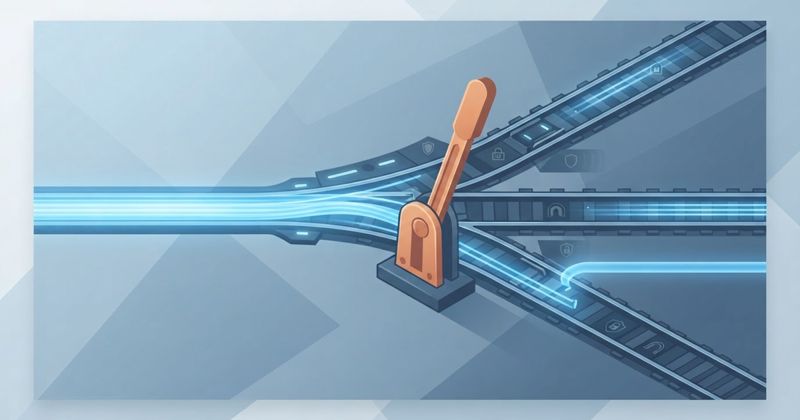
Kill Switch, Split Tunneling, Meshnet, and Multi-Hop Explained
VPN apps bury useful features behind technical names. We explain kill switch, split tunnelling, multi-hop, and Meshnet in plain English, the problem each one solves, and exactly when it is worth turning on.
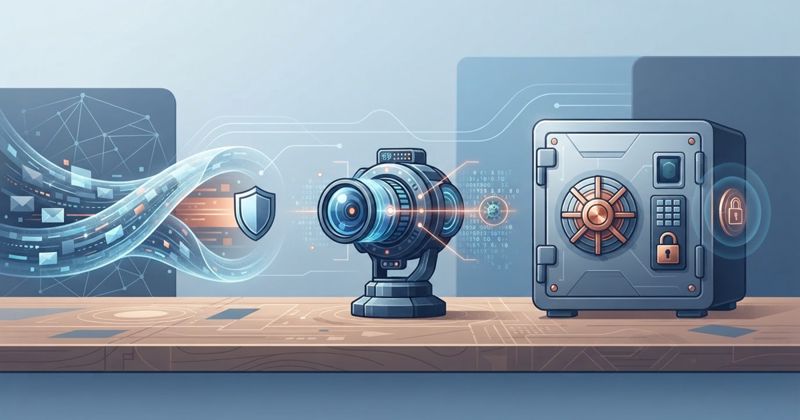
VPN vs Antivirus vs Password Manager: Which Tool Do You Need?
These three are not interchangeable. A VPN guards your connection, antivirus your device, a password manager your accounts, and their blind spots barely overlap. We clarify what each protects and why a VPN is not a security suite.
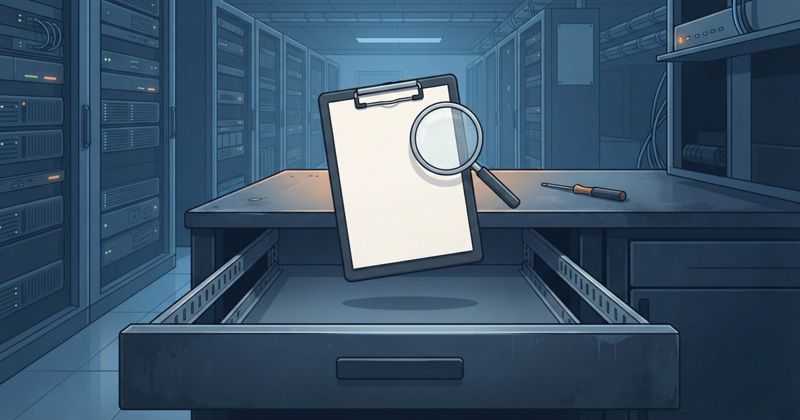
What Is a No-Logs VPN Audit?
Every VPN claims no logs; an audit is what makes the claim checkable. We explain what auditors examine, who performs them, their real limitations, and the trust signals (RAM-only servers, transparency reports) that back them up.

WireGuard vs OpenVPN vs IKEv2: VPN Protocols Explained
Your VPN protocol decides speed, battery life, and stability. We compare WireGuard, OpenVPN, and IKEv2/IPsec on speed, compatibility, firewall evasion, and network switching, so you know which to pick and when.

What Does a VPN Actually Hide?
A VPN does not make you invisible. We lay out exactly what it hides (your traffic and IP from your ISP and websites) and what it does not (logins, cookies, fingerprinting, malware), with a simple mental model.
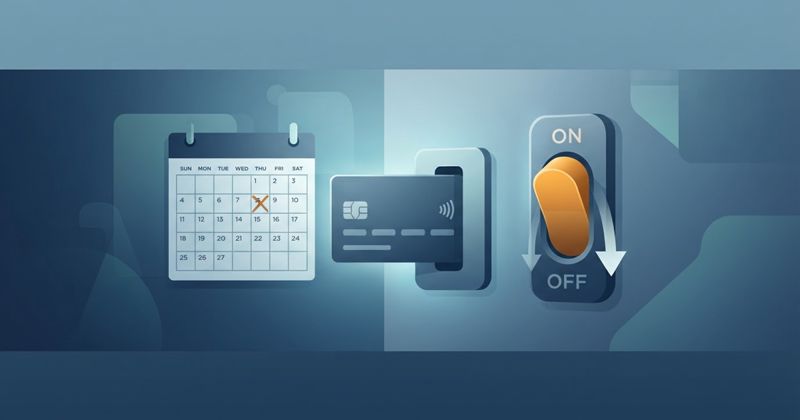
How to Cancel a VPN Subscription and Avoid Auto-Renewal
VPN subscriptions renew quietly, often at a higher rate. We show where billing actually lives (often the app store, not the app), how to stop auto-renewal, handle trials, claim refunds, and delete your account cleanly.

Best VPN for Streaming Summer Sports in 2026: Wimbledon, UFC 329, Tour de France
July 2026's biggest live sport — Wimbledon finals, UFC 329, the Tour de France and more — and an honest guide to streaming it securely with a VPN, plus why IPVanish suits a multi-device household.
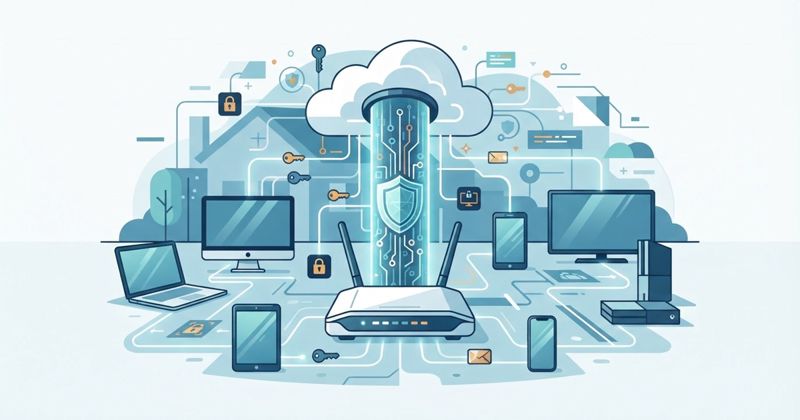
How to Set Up a VPN on a Router
A router VPN protects every device in your home, including TVs and consoles that cannot run an app. We cover compatible routers, firmware, WireGuard vs OpenVPN, speed loss, and troubleshooting when it will not connect.
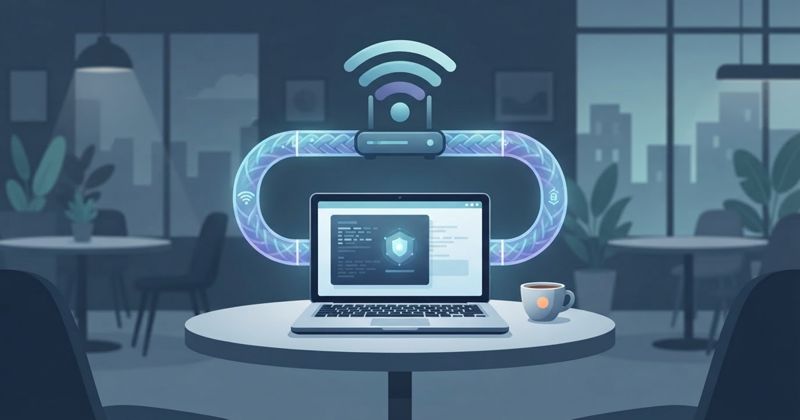
How to Use a VPN Safely on Public Wi-Fi
Airport, hotel and cafe Wi-Fi are the networks a VPN was built for. Here are the practical steps: setup before you travel, verifying network names, the kill switch and auto-connect, plus safe banking and work email on the road.
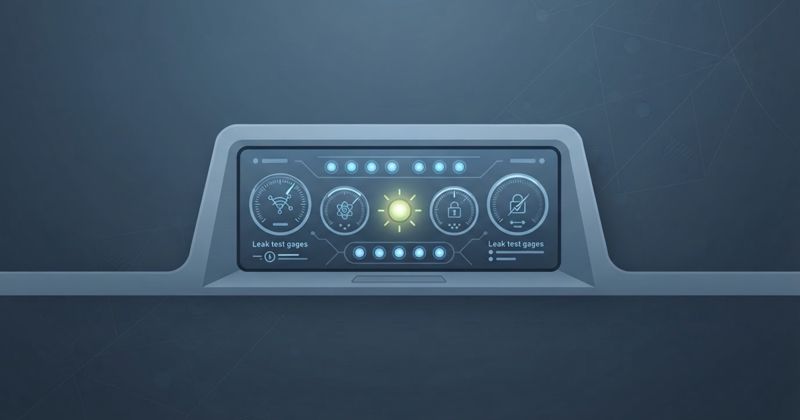
How to Test If Your VPN Is Working
A VPN that says connected can still leak your IP, DNS, or traffic. Run these free checks in minutes: IP change, DNS and WebRTC leaks, kill switch, IPv6, speed, and streaming. Know you are protected, do not assume it.
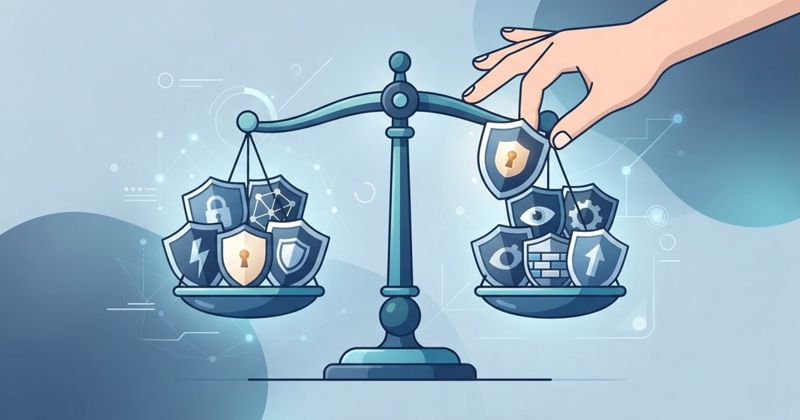
How to Choose a VPN Without Falling for Marketing Claims
Every VPN claims to be fastest and most private. We replace claims with checks: independent no-logs audits, jurisdiction, modern protocols, real speed tests, apps, renewal price, and refund policy. Seven steps to the right VPN.
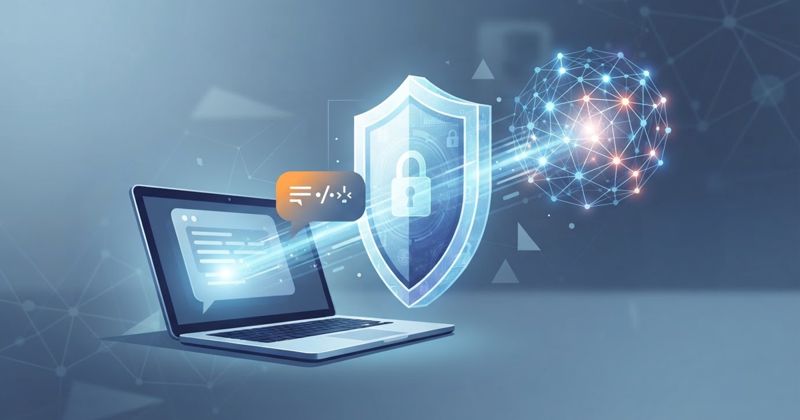
VPNs and AI Privacy: Should You Use a VPN With ChatGPT, Gemini, or AI Apps?
A VPN hides your connection and location from AI services, but not your account or the contents of your prompts. We explain exactly what a VPN does and does not do for AI privacy, and the settings that matter more.
VPNs for Travel: Public Wi-Fi, Streaming, Banking, and App Access Abroad
A VPN is built for travel: hotel and airport Wi-Fi, streaming your home library, banking safely, and keeping apps working abroad. Here are the four jobs a travel VPN does well and the realistic limits of each.
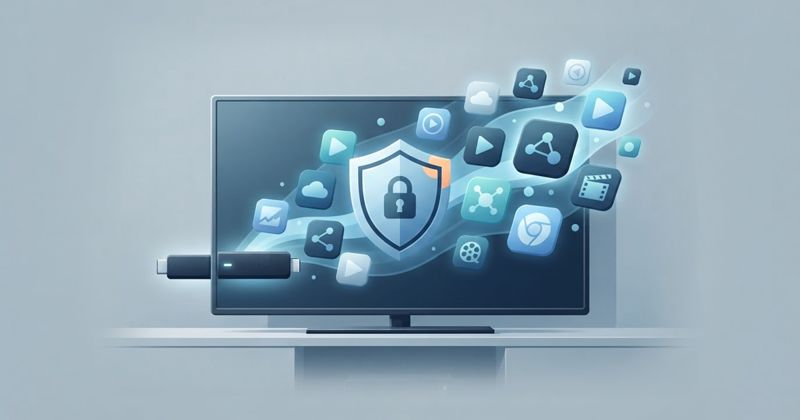
Essential Apps for Your New Fire TV Stick (Stream Safely in 2026)
New Firestick from Prime Day? Here is the quick setup, the essential apps worth installing, and how to stream safely from day one — starting with a VPN so every app you add stays private.
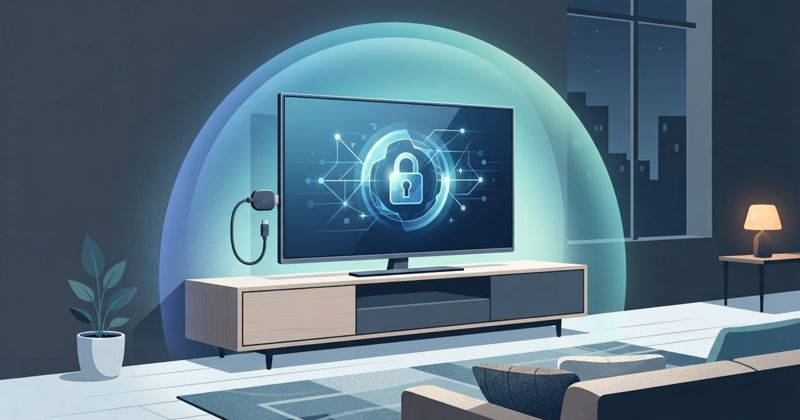
Got a Fire TV Stick on Prime Day? Why You Need a VPN (and How to Set It Up)
Fire TV devices hit record-low prices on Prime Day. A VPN stops ISP throttling, keeps your streaming private, and installs in minutes — and IPVanish has a native Fire TV app with unlimited devices. Here is the full setup.

Bought New Tech on Prime Day? Set Up a VPN First (2026 Guide)
New laptops, phones and gadgets are top Prime Day buys — and each one is exposed the moment it connects. Here is why a VPN should be the first thing you set up, and how an unlimited-device plan protects your whole Prime Day haul at once.