Bought New Tech on Prime Day? Set Up a VPN First (2026 Guide)
New laptops, phones and gadgets are top Prime Day buys — and each one is exposed the moment it connects. Here is why a VPN should be the first thing you set up, and how an unlimited-device plan protects your whole Prime Day haul at once.
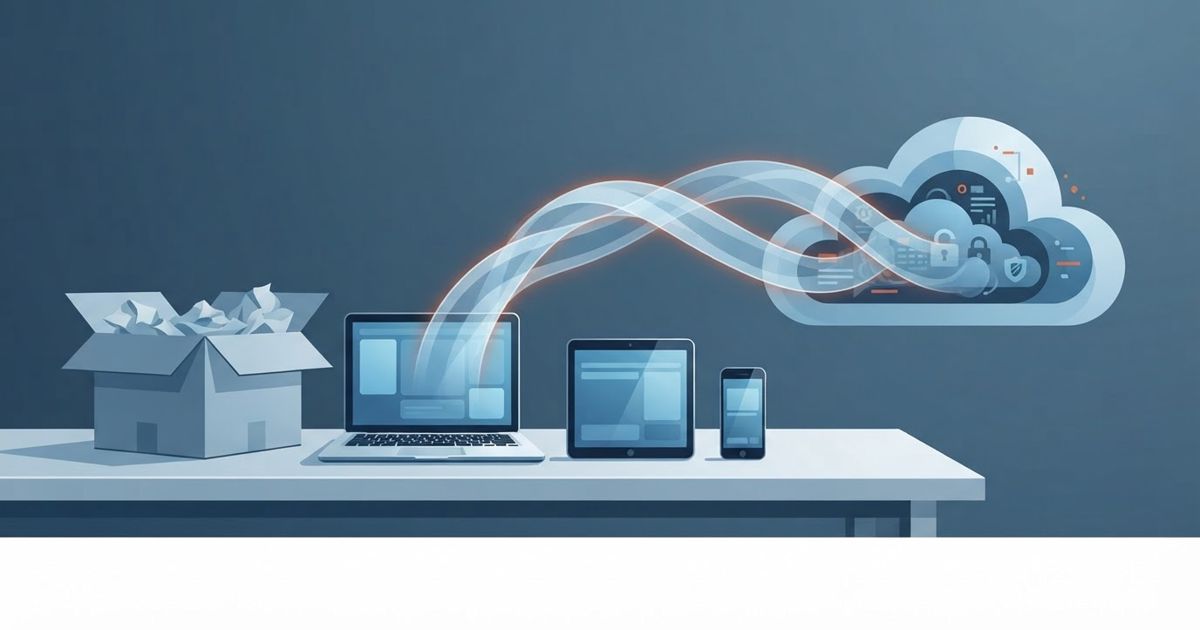
Table of contents
Amazon Prime Day 2026 lands early this year — June 23 to 26 — and for once the smart move isn't just grabbing a deal. It's protecting what you buy. New laptops, phones, tablets and smart-home gadgets are some of the most popular Prime Day purchases, and every one of them ships with the same blind spot: the moment it connects to the internet, it's exposed. Setting up a VPN should be the very first thing you do with new tech — here's why, and how to do it in minutes.
This article contains affiliate links. If you sign up through our link we may earn a commission — at no extra cost to you.
Why a new device is a fresh target
A brand-new gadget feels clean and safe, but the network it joins isn't. The risks show up immediately:
- Public Wi-Fi exposure. The first time you take a new laptop to a café or use airport Wi-Fi, you're sharing a network with strangers. Without encryption, that traffic can be intercepted.
- Unencrypted data. Out of the box, most devices send plenty of traffic in the clear. A VPN wraps everything in an encrypted tunnel so your ISP, the network owner, and anyone snooping can't read it.
- Identity and location leaks. New phones and smart-home devices chatter constantly — your IP address exposes your rough location and ties activity back to you.
A VPN closes all three gaps the instant it's switched on. That's why "install a VPN" belongs at the top of any new-device checklist, right next to "set a strong password."
The Prime Day multi-device problem
Here's the catch with a big shopping event: you rarely buy just one thing. A tablet for the kids, a new phone for yourself, maybe a smart speaker and a streaming stick. Protect them one at a time and the cost — and hassle — adds up fast.
This is where unlimited-device VPNs matter. IPVanish, for example, lets you cover every gadget in the house on a single account — laptops, phones, tablets, and Fire TV devices included — with an independently audited no-logs policy behind it. One subscription, the whole Prime Day haul protected.
Set it up in 4 steps
You don't need to be technical. On any new device:
- Install the VPN app from the official app store (or the provider's site).
- Sign in with your account.
- Connect to a nearby server for the best speed.
- Turn on auto-connect so it protects you on every network automatically — especially untrusted Wi-Fi.
That's it. From then on, the device is encrypted by default, wherever it goes.
A quick new-tech security checklist
While you're at it, pair the VPN with these first-day basics:
- Set a strong, unique password (and a passcode/biometric lock).
- Turn on automatic updates.
- Review app permissions — deny location and microphone access to anything that doesn't need it.
- Enable two-factor authentication on your main accounts.
- Install and auto-connect your VPN.
Bottom line
Prime Day is a great time to upgrade your tech — and the perfect moment to upgrade your privacy with it. A VPN is the cheapest, fastest protection you can add to a new device, and an unlimited-device plan means one purchase covers everything you unbox. Set it up first, and your new gear is private from the very first connection.
👉 Read our full IPVanish review to see why it's our pick for covering every device — or head straight to IPVanish to get started before Prime Day.
Related reading: