VPN vs Antivirus vs Password Manager: Which Tool Do You Need?
These three are not interchangeable. A VPN guards your connection, antivirus your device, a password manager your accounts, and their blind spots barely overlap. We clarify what each protects and why a VPN is not a security suite.
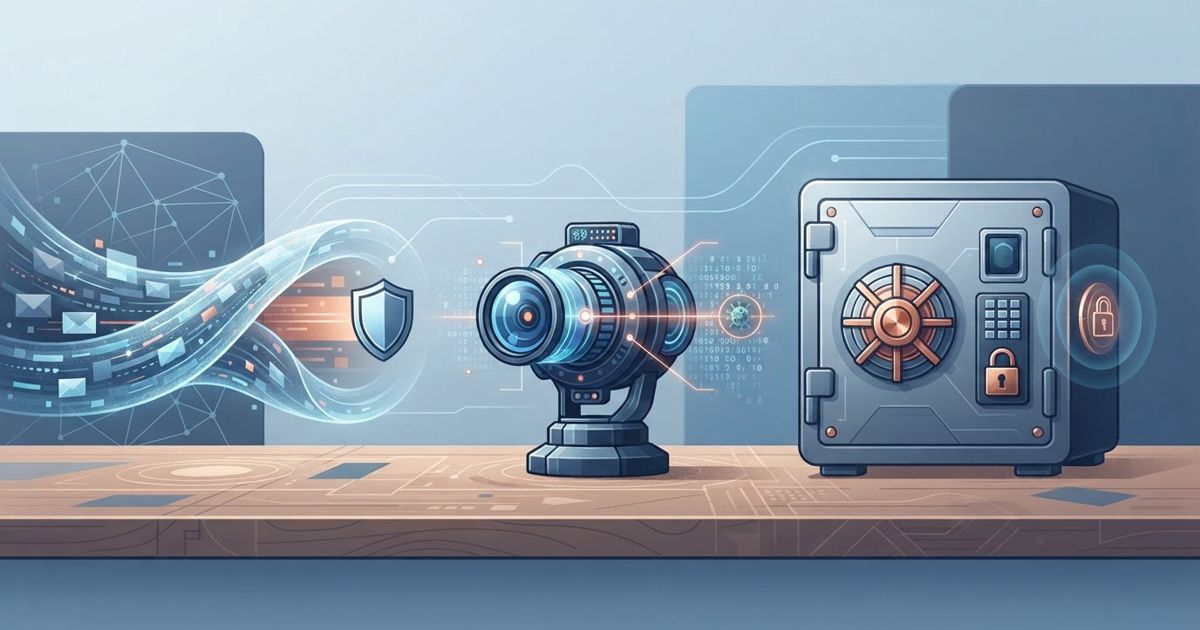
Table of contents
A common and costly misunderstanding is treating a VPN, an antivirus, and a password manager as interchangeable "security apps" — pick one and you are covered. They are not interchangeable. Each defends a completely different part of your digital life, and the gaps between them are where most real-world compromises happen. A VPN does nothing about malware; an antivirus does nothing about weak passwords; a password manager does nothing about an untrusted network. This explainer clarifies what each tool actually protects, why a VPN in particular is not a security suite, and how to decide what you genuinely need.
What each tool actually does
The three tools sit at different layers. A VPN protects your connection — it encrypts your traffic so your ISP and the local network cannot read it, and masks your IP and location. An antivirus protects your device — it detects and blocks malware, malicious downloads, and harmful files. A password manager protects your accounts — it generates and stores strong, unique passwords so a breach of one site cannot unlock the rest.
| Tool | Protects | Defends against | Does NOT defend against |
|---|---|---|---|
| VPN | Your connection | ISP/network snooping, location exposure | Malware, phishing, weak passwords |
| Antivirus | Your device | Malware, malicious files, some phishing | Network snooping, password reuse |
| Password manager | Your accounts | Weak/reused passwords, credential reuse | Malware, network snooping |
The pattern is clear: their blind spots barely overlap, which is exactly why one tool cannot stand in for another.
Why a VPN is not a security suite
This deserves spelling out because VPN marketing sometimes blurs it. A VPN encrypts your traffic — it does not inspect it for threats. If you download malware over a VPN, the file arrives encrypted in transit and then runs on your device just the same; the VPN never had a role in stopping it. If you visit a phishing site and type in your password, the VPN faithfully encrypts your credentials on their way to the scammer. And a VPN has no idea whether your passwords are weak or reused. Some VPNs now bundle extra features like malicious-site blocking, but those are add-ons borrowed from the other categories, not the VPN itself doing security work.
Phishing, malware, and passwords: who owns what
Map the common threats to the right tool and the division of labour becomes obvious. A malicious download or infected attachment is the antivirus's job. Weak or reused passwords and credential-stuffing are the password manager's job (paired with two-factor authentication). Snooping on public Wi-Fi and location exposure are the VPN's job. Phishing is shared territory — a password manager helps because it will not auto-fill credentials on a fake domain, and antivirus or browser protection may block the site, but ultimately your own caution matters most. No single product covers all of these.
What do you actually need?
For most people, the honest answer is all three, layered — they are complementary, not competing. If you must prioritise, start with a password manager plus two-factor authentication, because weak and reused passwords are the most common path to account takeover and the cheapest to fix. Keep your operating system and antivirus/built-in security up to date for device protection. Add a VPN for connection privacy, which matters most if you use public Wi-Fi often, travel, or want to keep your activity from your ISP. Spending on a VPN while reusing one password across every account is protecting the wrong layer.
Bottom line
A VPN, an antivirus, and a password manager are not three flavours of the same thing — they guard your connection, your device, and your accounts respectively, and none substitutes for the others. A VPN is emphatically not malware, phishing, or password protection; it secures the pipe, not what travels through it or who you are at the other end. Layer all three for full coverage, and if budget forces a choice, fix passwords first, keep your device protected second, and add a VPN where network privacy matters most.